
Best Image Sizes and Meta Tags for Social Sharing in 2025
Your link preview is only as good as the image and meta tags behind it. Use the wrong dimensions or skip important tags, and your shared links can look blurry, cropped, or unprofessional. Here we’ll cover the best image sizes and meta tags for social sharing in 2025, with concrete numbers and examples you can use right away.
We’ll focus on Open Graph and Twitter Card specs that work across LinkedIn, Facebook, X, and Instagram. For a quick check of how your links look, use our multi-platform preview tool or the LinkedIn, Twitter, Facebook, and Instagram preview tools.
Recommended Image Dimensions for Link Previews
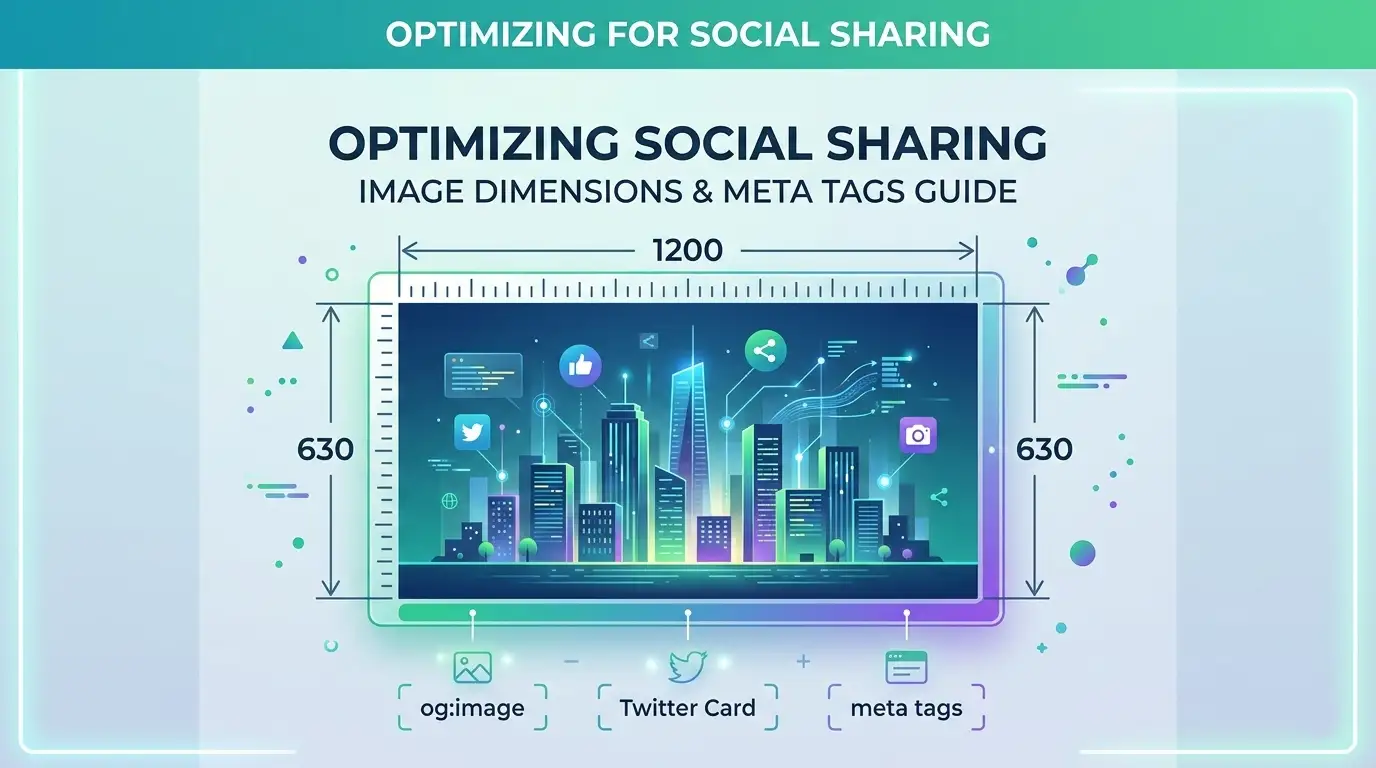
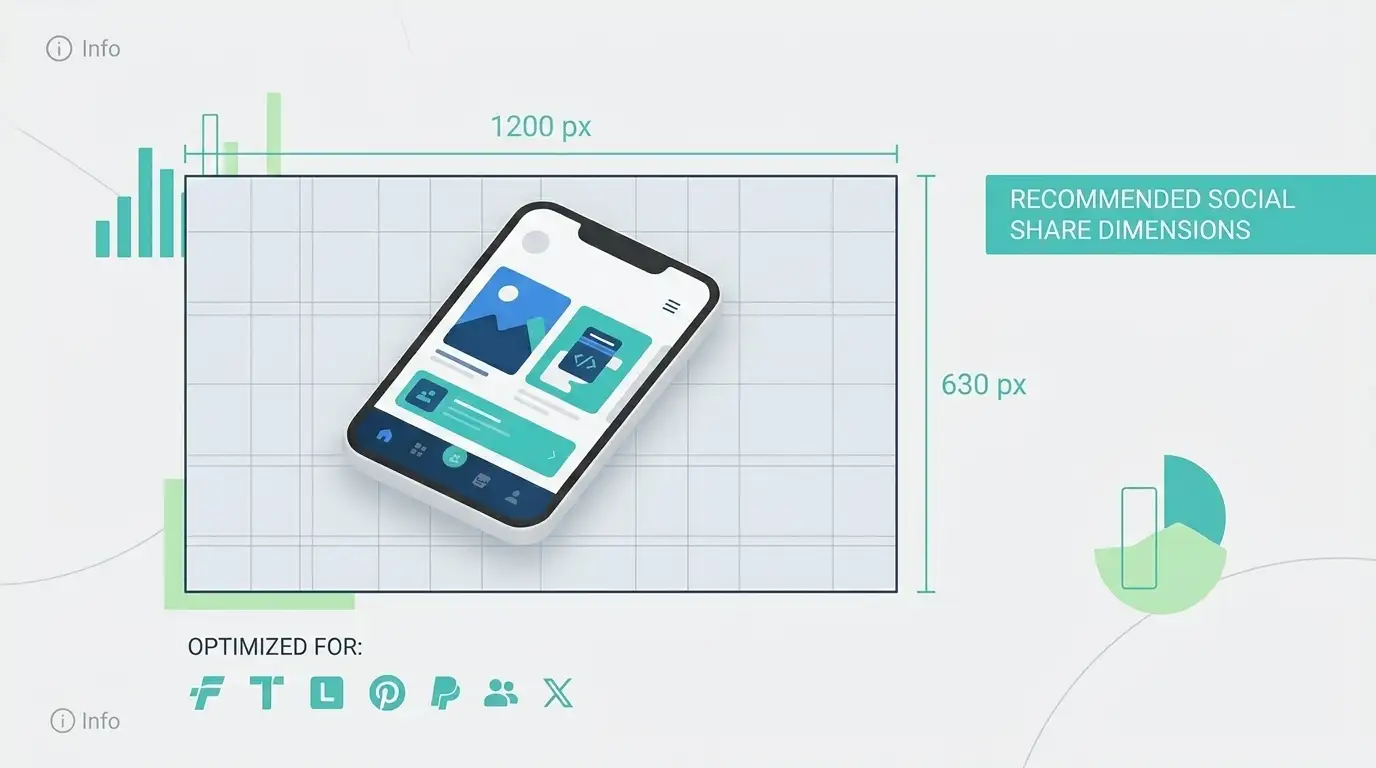
The most widely recommended size for og:image and Twitter Card images is 1200×630 pixels. This aspect ratio (about 1.91:1) works well on LinkedIn, Facebook, and X. Images are displayed as cards with a consistent look, and 1200×630 is large enough to stay sharp on high-DPI screens.
Some sources suggest 1200×628 for a “perfect” Facebook fit, but 1200×630 is accepted everywhere and is easier to remember. Minimum safe size is often cited as 600×315; going below that can lead to blurry or pixelated previews. For a single image that works across platforms, stick with 1200×630.
File Format and File Size
Use JPEG or PNG. JPEG is better for photos and keeps file size down; PNG is better when you need transparency (though some platforms may not show transparency in the preview). Avoid huge files: aim for under 1 MB so that crawlers can fetch the image quickly. The Open Graph protocol doesn’t mandate a size limit, but large images can cause timeouts or slow preview generation.

Meta Tags to Set for Every Shared Page
Along with a well-sized image, set these meta tags so every platform can build a good preview:
- og:title – Clear, descriptive title (often 60–90 characters).
- og:description – Short summary (around 150–160 characters).
- og:image – Absolute URL to your 1200×630 image.
- og:url – Canonical URL of the page.
- og:type – Usually
websiteorarticle. - twitter:card – Use
summary_large_imagefor a large image card. - twitter:title, twitter:description, twitter:image – Same idea as OG; can mirror or tailor for Twitter.
If you only set Open Graph tags, many platforms (including X) will fall back to them. For full control and the best result on each network, set both. After updating your site, validate with a Twitter Card validator and a Facebook preview tool, or use our unified preview tool to see all platforms at once.
Platform-Specific Notes
LinkedIn and Facebook both use Open Graph. The same 1200×630 image and og: tags work well for both. X (Twitter) supports multiple card types; summary_large_image is the most common for articles and landing pages. Instagram doesn’t show rich previews in-feed for arbitrary links, but when your link is shared in bio or in stories, Open Graph data is often used when the link is opened—so the same image and tags still matter. For more on how each platform uses previews, see our complete Open Graph and social previews guide and our post on fixing wrong or broken previews.
Using the right image size and a complete set of meta tags takes little time and makes a big difference in how your links look when shared. Stick to 1200×630, keep file size reasonable, and test with a preview tool before you post.