

Open Graph and Social Link Previews: The Complete Guide for Creators and Marketers
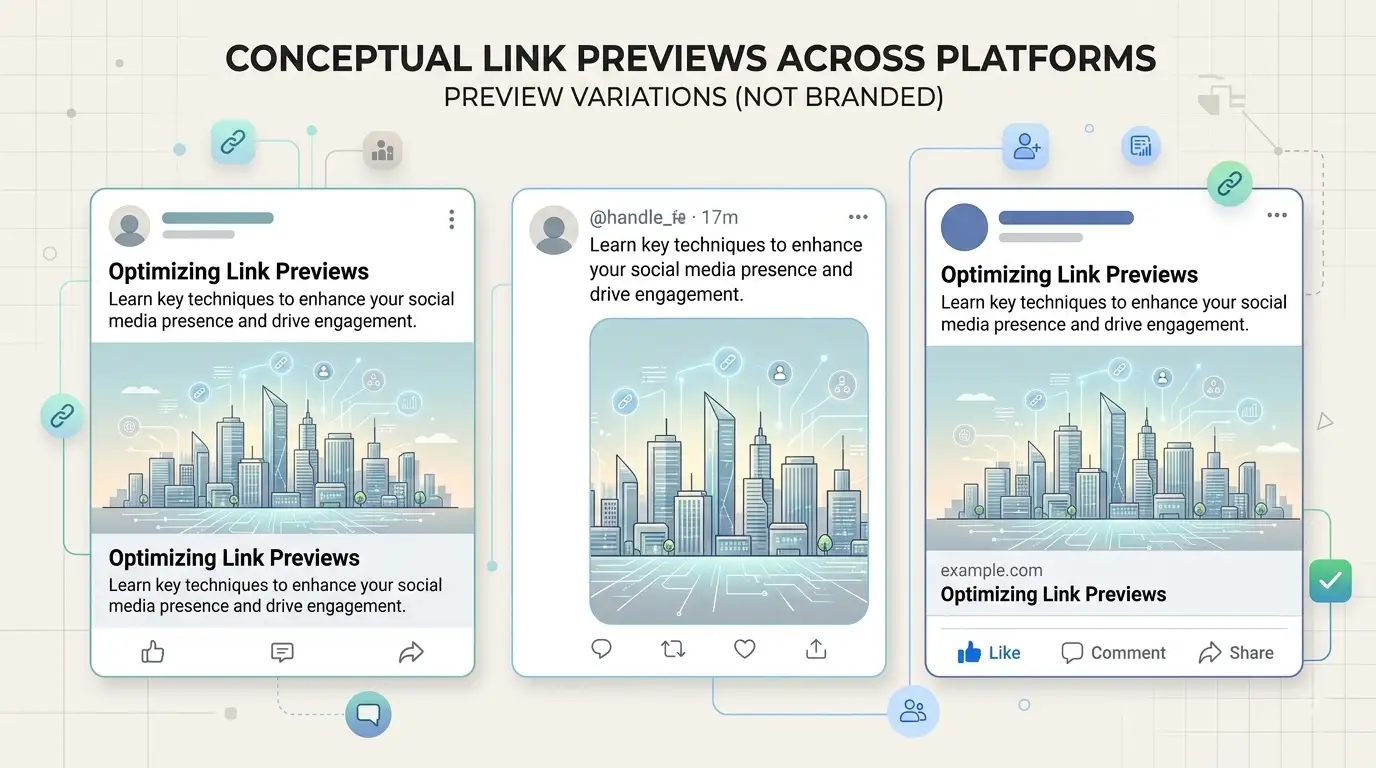
When you share a link on LinkedIn, Facebook, X (Twitter), or Instagram, the platform doesn’t just show a bare URL. It fetches your page and builds a link preview—a small card with a title, a short description, and an image. That preview is what people see before they click. If it’s wrong or missing, you lose credibility and clicks.
That’s where Open Graph and Twitter Card meta tags come in. They tell social networks exactly what title, description, and image to use. In this guide we’ll cover what they are, why they matter, and how to get them right—plus free tools to preview your links before you post.

What Are Open Graph and Twitter Card Meta Tags?
Open Graph is a protocol originally introduced by Facebook. Meta tags like og:title, og:description, and og:image live in your page’s <head> and describe the page for social sharing. LinkedIn, Facebook, Pinterest, and many other platforms use them. When someone pastes your URL, the platform reads these tags and builds the preview.
X (Twitter) uses the same idea but with its own meta tags: twitter:card, twitter:title, twitter:description, and twitter:image. In practice, most sites set both Open Graph and Twitter Card tags so that links look good everywhere. If you only set OG tags, Twitter will often fall back to them, but setting both gives you full control.
Why Link Previews Matter for SEO and Engagement
Link previews don’t directly affect Google rankings, but they have a big impact on how your content performs when shared. A clear title and a strong image increase click-through rates from social. They also reinforce your brand: consistent, correct previews look professional and build trust. Broken or generic previews do the opposite.
Using a LinkedIn preview tool or a Twitter Card validator lets you see exactly how your link will look before you post. You can then fix any issues on your site so every share—yours or someone else’s—looks the way you want.
Essential Meta Tags You Need
At minimum, set these on every page you share:
- og:title – The headline (often 60–90 characters works well).
- og:description – A short summary (around 150–160 characters).
- og:image – Absolute URL to an image (e.g. 1200×630 px).
- og:url – Canonical URL of the page.
For Twitter, add twitter:card (e.g. summary_large_image), twitter:title, twitter:description, and twitter:image. Once these are in place, use a Facebook link preview tool or Instagram link preview tool to confirm they work on each platform.
How to Check and Fix Your Previews
After adding or changing meta tags, always test. Paste your URL into a preview tool that shows multiple platforms (or use our social link preview tool to see LinkedIn, X, Facebook, and Instagram at once). If the image is wrong or the title is missing, double-check your tags and ensure image URLs are absolute. If you’ve just fixed the tags, remember that platforms cache previews; Facebook’s Sharing Debugger and LinkedIn’s Post Inspector can force a refresh.
For more on fixing broken previews, see our guide on why social link previews look wrong and how to fix them. For image dimensions and technical details, check our post on best image sizes and meta tags for social sharing.
Getting Open Graph and Twitter Card tags right is one of the highest-impact, lowest-effort improvements you can make for shared links. Set them once, test with a preview tool, and your links will look professional everywhere.